In a nutshell, URL mapping, internal linking, and post-launch monitoring are all important for migration SEO success. Most of the time, SEO loss happens after a launch because of holes in governance. To keep revenue, you need to plan your migration and keep track of it.
Moving From to WooCommerce: Organic Traffic
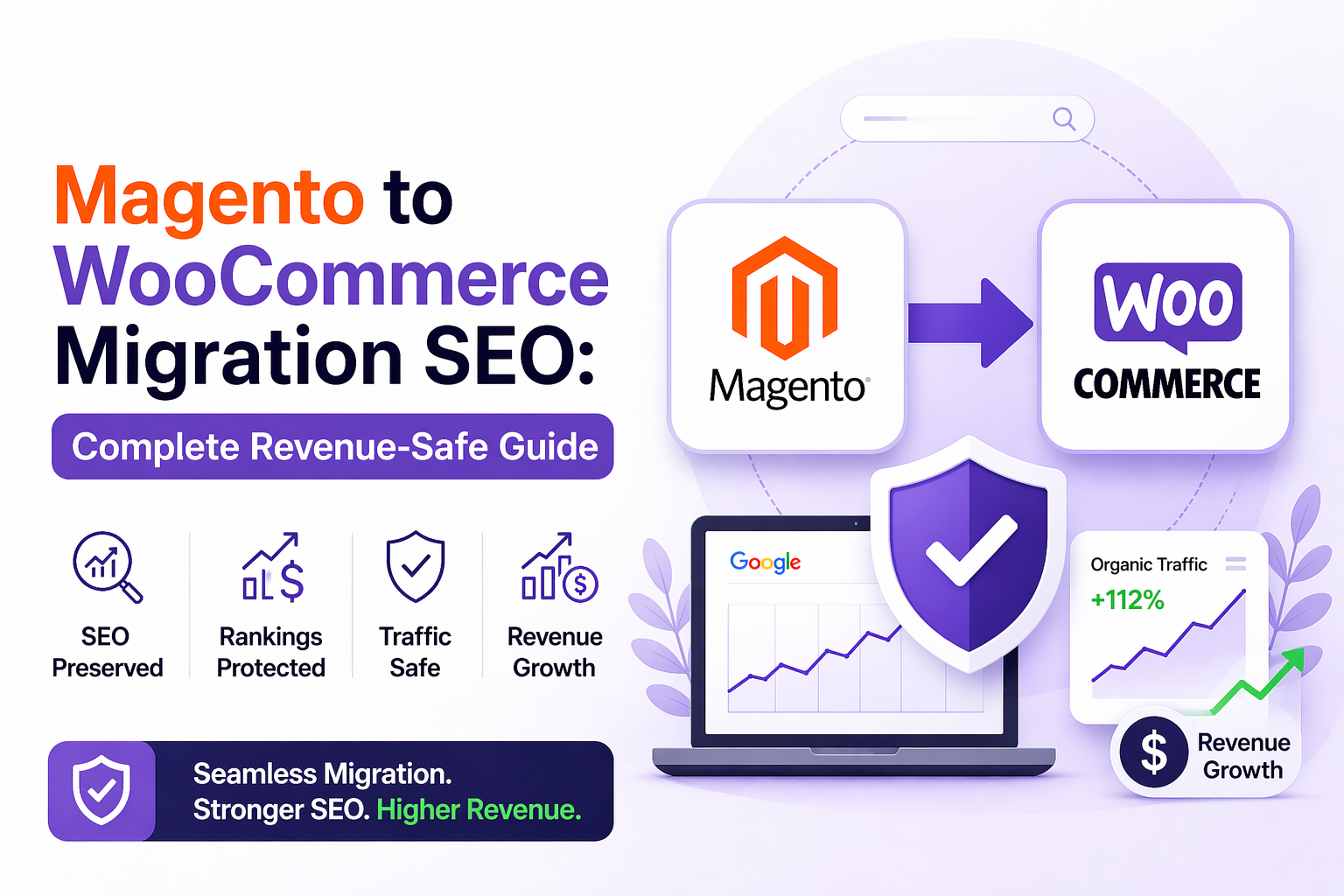
Most ecommerce stores lose 20–40% organic traffic AFTER migration not during it. When you move from Magento to WooCommerce, SEO isn't just about shifting data. It has to do with keeping your ranks, search intent, and income. If you don't handle 301 redirects, canonical tags, and Core Web Vitals correctly, even a "successful migration" can kill organic development without you knowing it. Your developers might be happy with a smooth launch, but your SEO might slowly fall apart over the next 90 days. This guide is here to stop that from happening.
What is Magento to WooCommerce Migration SEO?
Magento to WooCommerce transfer SEO is the process of keeping rankings, traffic, and search visibility during a platform migration by handling redirects, canonical tags, URL structures, and technical SEO factors to stop organic traffic loss and keep search performance high.
Most migration guidelines focus on moving data and setting up plugins. This one is about what really costs you money: losing the organic rankings you worked hard to get.
Why migration has an effect on traffic and rankings?
Search engines don't automatically know that your store has switched to a new platform. When URLs change, page architectures change, and internal linking patterns break, Google can't tell how to rank your sites anymore. It has to go back and crawl, review, and rate everything again from the beginning.
Most ranking losses are caused by three things. First, broken redirect chains lower the value of links. Second, mistakes with canonical tags make the same material show up on both product and category pages. Third, changing the way internal links work takes away the relevant signals that Google needs to understand how your site is set up.
Differences in SEO between Magento and WooCommerce
Magento has layered navigation that makes a lot of faceted URLs. WooCommerce does this via its system for attributes and variations. If your migration doesn't take this structural difference into account, you could end up with thousands of orphaned URLs, duplicate content clusters, and wasted crawl budget overnight.
By default, URL structures are also different. Magento makes lengthier URLs with plenty of parameters, while WooCommerce employs a cleaner permalink structure. This is a chance for SEO during migration, but only if redirect mapping is done right.
How to Migrate from Magento to WooCommerce Without Losing SEO?
To go from Magento to WooCommerce without sacrificing SEO, you need to map URLs, set up 301 redirects, move metadata, optimize internal linking, and keep an eye on rankings and traffic after the move to make sure they stay steady.
The order is important. After the launch, fixing SEO problems is ten times harder and more expensive than making sure SEO stays the same during the migration from the start.
URL Mapping and 301 Redirect Plan
URL mapping is the first step in any safe SEO move. You need a full list of all the URLs on your Magento store that get organic traffic, including product pages, category pages, blog posts, and filtered navigation pages, before you can move any files.
There has to be a 301 permanent redirect for each URL to its own WooCommerce page. Using 302 temporary redirects, making redirect chains where URL A points to B, which points to C, and not redirecting high-traffic URLs at all are all common blunders. Every mistake damages you ranking equity that took years to build.
Before you deploy, make sure to test every reroute. Check again after the launch. Then check again after 30 days.
Canonical Tags and Control of Indexation
Canonical tags tell search engines which version of a page is the most important. Canonical mistakes happen a lot during migration and can be very bad. If product variants make more than one indexable page without adequate canonicalization, you send out duplicate content signals that lower the rankings of all your products.
Before the site goes live, every product page, category page, and content page needs to have the right canonical tag. This is not something you can choose to do or fix after the launch.
Linking Between Pages and Organizing Categories
Internal linking is the most important part of SEO that people forget about when they move, and it's often the underlying reason why store owners lose traffic and blame redirection.
Over the years, your Magento store built a certain way of linking to other pages on its own. Google used breadcrumbs, related items, category navigation, and blog posts to figure out how relevant your site's content was to a given topic. When you create that structure in WooCommerce, you need to do it on purpose and not just copy and paste your old menu structure.
During the planning stage, make a map of your internal links. Make sure that relevant material on the site sends strong internal link signals to the pages that get the most traffic.
SEO Checklist for Magento to WooCommerce Migration
Below is a structured SEO checklist to streamline your migration process. Follow along to minimise risks and preserve your search equity:
A checklist for moving to technical SEO
Before the launch, make sure of the following without fail. Crawl the whole Magento site and save all of the indexed URLs. Make sure that robots.txt is blocking the staging WooCommerce site. Make sure that XML sitemaps are ready to be sent in. Make sure that HTTPS is set up successfully and that there are no mixed content issues. Check to see if the page names and meta descriptions have been moved and are not still using the default WooCommerce template placeholders.
After the site becomes live, do a thorough crawl within 24 hours, send the new sitemap to Google Search Console, and check for crawl faults every day for the first two weeks.
Mapping Product and Category Data
It's not just about titles and pictures when you move product data. You need to map and move all of the SEO-relevant elements, such as meta titles, meta descriptions, alt text, and URL slugs. A lot of migration plugins can handle product data but not SEO metadata at all.
We should also pay attention to restructuring categories. If you're moving categories around, be sure to change the internal linking and URL structure at the same time. Don't think of them as independent steps. Both have an effect on how Google crawls and ranks your sites.
Core Web Vitals and Improving Performance
After launch, WooCommerce stores are typically slower than intended since WordPress loads other scripts and plugins that aren't on the Magento setup. Core Web Vitals are things that Google looks at to rank pages. A move that makes the platform more flexible but slows down page speed is bad for SEO overall.
Run performance tests on the WooCommerce staging environment before it goes live. Set up cache, optimize picture delivery, and reduce JavaScript that blocks rendering. Try it out on a phone. Google PageSpeed Insights and the Core Web Vitals report in Search Console are the best tools to use to keep an eye on things.
Keeping Structured Data and Schema
You need to establish the same schema in WooCommerce if your Magento store used structured data for products, reviews, or breadcrumbs. Structured data affects rich results in Google Search, such as star ratings and price information. If you lose it, you won't be able to use improved search features, which means fewer clicks and a lower ranking over time.
Magento to WooCommerce SEO Migration Agency India: When to Hire
Know the right time to bring in experts to protect your rankings during migration. The points below highlight when hiring a specialised agency becomes critical:
The Secret Truth About SEO for Migration
Changes to taxonomy and internal linking, not redirect problems, are the main reasons why traffic reduces after migration. People pay more attention to redirects since they are easy to see and measure. But when a store changes its category structure or rebuilds its navigation without taking into account topical clustering signals, the SEO harm is gradual, deeper, and much harder to fix.
An ecommerce brand's structured migration SEO engagement brought back 38% of lost traffic in 60 days by finding broken internal link clusters and fixing faceted navigation indexation mistakes that the development team hadn't seen. The technical move went smoothly. The SEO structure wasn't. That difference cost the business weeks of sales.
Hire Magento to WooCommerce Migration Professionals
You should hire migration SEO professionals before the migration starts, not after traffic reduces.
A professional migration SEO audit includes a list of URLs, a strategy for redirects, a transfer of metadata, a mapping of structured data, an analysis of internal linking, a benchmarking of Core Web Vitals, and a 90-day monitoring plan after the launch. This job happens at the same time as development, not after it.
If your development team doesn't have a specific SEO migration checklist or if SEO review is planned for after the launch, there's a gap in governance that will cost you organic revenue.
India's Ecommerce Migration SEO Services
Ecommerce SEO teams situated in India have a lot of technical knowledge and know how to use different platforms. Their prices are set up so that they can do more thorough audits and monitoring than most other project budgets can.
Movinnza offers specific SEO services for moving from Magento to WooCommerce that are based on the R.E.P.L.A.T.F.O.R.M structure. Post-launch monitoring is included as a core deliverable, not an extra add-on.
R.E.P.L.A.T.F.O.R.M SEO Migration Framework™
R—Redirects: Make sure that all indexed URLs have a full 301 redirect mapping before launch.
E—Equity Preservation: Check and protect the link equity that goes to the top-ranked pages.
P—Product Mapping: Move all SEO information and product data together as one effort.
L—Load Speed: Test and improve Core Web Vitals on staging before going live.
A— Analytics Continuity: Make sure that Google Analytics, Search Console, and conversion monitoring are set up appropriately from the start.
T—Technical Schema: Use Google's Rich Results Test to check that all structured data is correct.
F—Faceted Navigation: Set up WooCommerce attribute pages with the right canonical and indexation criteria.
O—Organic Monitoring: Set up daily ranking and crawl checks for the first 90 days after launch.
R—Revenue Attribution: Link organic traffic to conversion and revenue reporting so that SEO is measured in terms of business results.
M—Migration Governance: Make sure that one person on the project team is clearly in charge of SEO so that no technical decision is taken without checking how it will affect SEO.
Frequently Asked Questions
Will my rankings drop while I'm moving?
It's natural for things to change for a short time. With the right redirect mapping, information transfer, and post-launch monitoring, you can stop a big permanent drop in your rankings.
What makes traffic go down after a migration?
The most typical reasons include broken redirect chains, missing canonical tags, broken internal links, and lower Core Web Vitals on the new platform.
Do I need an SEO company to help me move?
Yes, if your store makes a lot of money from organic traffic. It almost always costs more to fix SEO after a failed migration than it does to get it right before launch.
Are you losing traffic after moving? Before the harm becomes worse, get your free Migration SEO Audit from Movinnza.